
Pique: Three-minute adventures, based in Behavioral Science, that change how you see yourself and others
My Role: Product Design, Concepts and Branding, Prototyping, Wireframes and Testing
Tools: Sketch, Illustrator, Zeplin, and InVision
Platform: iOS
Timeline: 1 year
What is Pique?
It’s human nature for people to want to live their most fulfilled life—a life of deep personal connections with challenging goals and meaningful moments. To help us on that path most of us have probably bookmarked an article on mindfulness, subscribed to a podcast about creating good habits or even thrown a book about attaining true happiness into our Amazon order. How many of us, though, have actually followed through and returned to the article, listened to the podcast or read the book and applied it to our lives? Instead of tearing yourself down because of a lack of follow-through, it’s important to remember that it’s hard to be human. With that in mind, a small group of people had a potential solution.
Founded by a professor of Behavioral Science and a Social Psychologist, Pique utilizes Behavioral Science findings and curates them as three-minute adventures users can quickly and easily accomplish while they, for example, wait in line at the grocery store. Instead of having a book on finding happiness taunting you from your nightstand, you can do quick and meaningful adventures from your phone in just a few minutes. While that short amount of time seems negligible over time these curated adventures add up, with goal-building in mind.
When I came onboard the founders were certain of three things they wanted Pique to be:

An app that was completely different than what was currently available
An app that would deliver context-based content based on a foundation of Behavioral Science studies
An app that presented its
content quickly and quirkily
How Pique Works: Anatomy of a Moment
Pique offers users activities to complete via the app that are based on Behavioral Science. We named these activities “Moments”. How to organize and deliver these Moments was the top priority for the build up to our beta release.
To help us with the production and organization of these Moments we decided to break them into four sections: Warm Up, Nested Moment, Behind the Science and Wrap Up. Each Moment started with a Warm Up, which involved a quick animation or interactive element that set the tone and eased the user into the Nested Moment. The Nested Moment is the bulk of the entire Moment and is where the user goes through the exercise based on Behavioral Science. Once that exercise is complete the user moves onto Behind the Science, where they learn about the real world studies that the Moment is based on. The Wrap Up allows the user to make notes, bookmark the Moment and to reflect on how they can continue to use the learnings of this particular Moment in their life.

Step by step: Breaking each moment into sections helped streamline their creation and create familiar steps for the user
How Pique Works: Your Next Adventure Awaits
How do users know when a particular Moment is available? We used push notifications to let users know when a Moment was ready for them to experience. Initially, all Moments were context-based, meaning we needed users’ permission to access their location and allow push notifications. While this sounded like a good idea, users were hesitant to give up that much access at initial sign-up. So, we opted for thematically based Moments.

Friendly alert: Push notifications for a Moment about Father's Day and another for a Moment based on perspective-getting.
How Pique Works: Organizing Moments
We went even further to group these Moments into Journeys, which we defined as a set of Moments with an overarching theme and a similar end-goal.
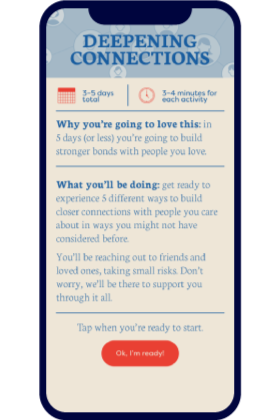
For our initial beta release we created a Journey of five Moments centered around deepening connections with friends and family. Users were allowed to complete three of the five Moments in one day and then, via push notifications, were alerted when the final two Moments were available to complete.
To familiarize users with the concept of Journeys we created a screen after onboarding that explained the duration of the initial Journey, along with letting users know what they could expect to experience and gain through their Journey of five Moments.
Branding Pique: Inspiration
From the get-go, all stakeholders wanted the brand to convey a sense of fun while teaching users through actionable in-app activities. One of the first things I tackled was Pique's branding. Drawing inspiration from vintage games and textbook covers, I created branding that conveyed fun and learning while still feeling modern. Everyone wanted Pique to stand out among the other apps in the health/wellness realm.
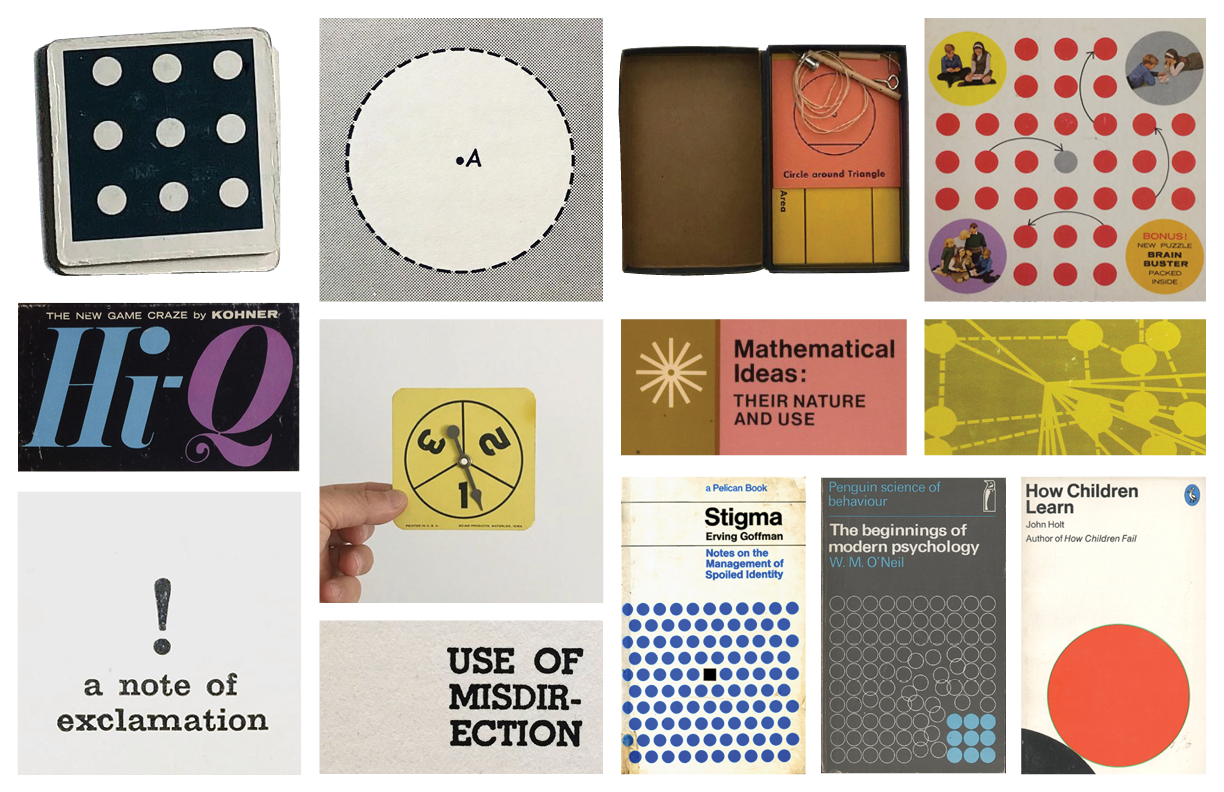
Brand inspiration: Inspired by vintage textbooks and games, I created branding that put a fresh spin on these classic design elements.
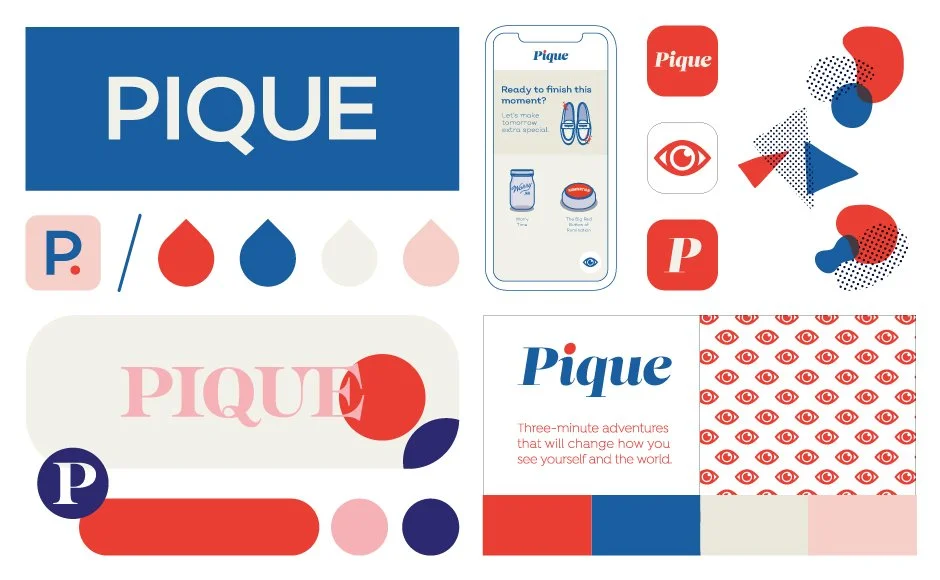
Brand exploration: I considered several solutions for brand iconography, colors, typography, and even a homescreen mockup.

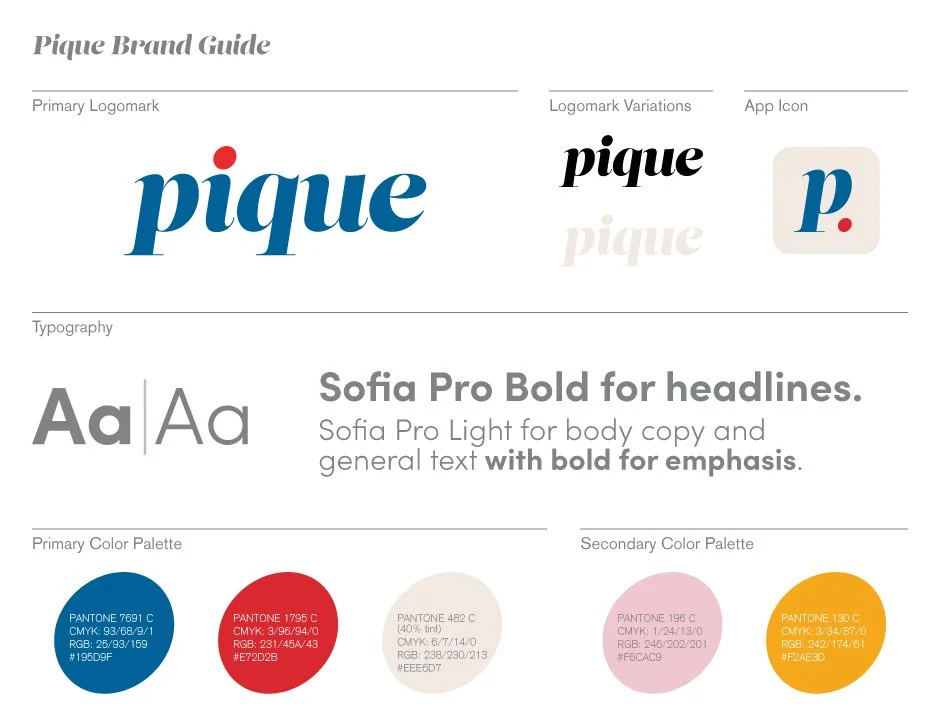
Primary logomark and brand guide: Modern, with a nod to past typography, I created a logomark that stayed true to Pique's playfulness and modernity. To keep the branding consistent, I also created a one-sheet brand guide detailing logomark variations, typography, and brand colors.
Branding Pique: Style Guide and Design System
To keep style and visuals consistent I created a style guide, as well as a library of components that included icon illustrations, buttons, fields and navigation.

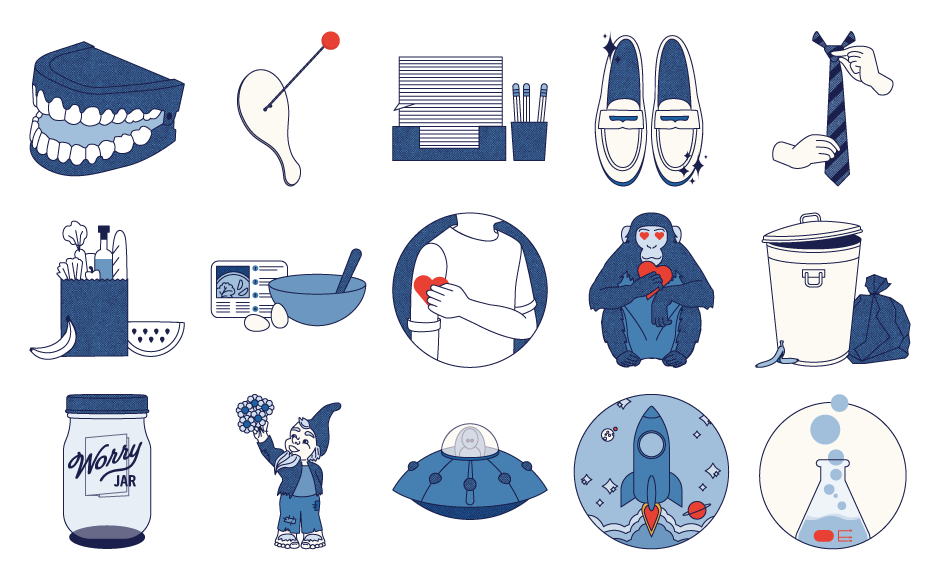
Branding Pique: Illustration
Personality was injected into Pique through dozens of custom illustrations used throughout Moments, as well as on loading screens between activities. Below is a fraction of the illustrations I created for the app. I also worked with a digital animator to bring many of these illustrations to life.
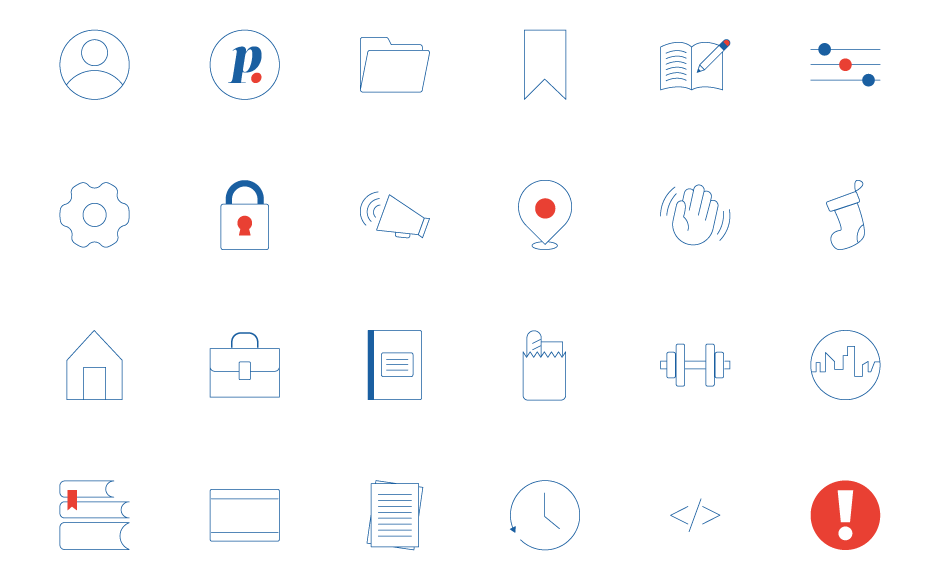
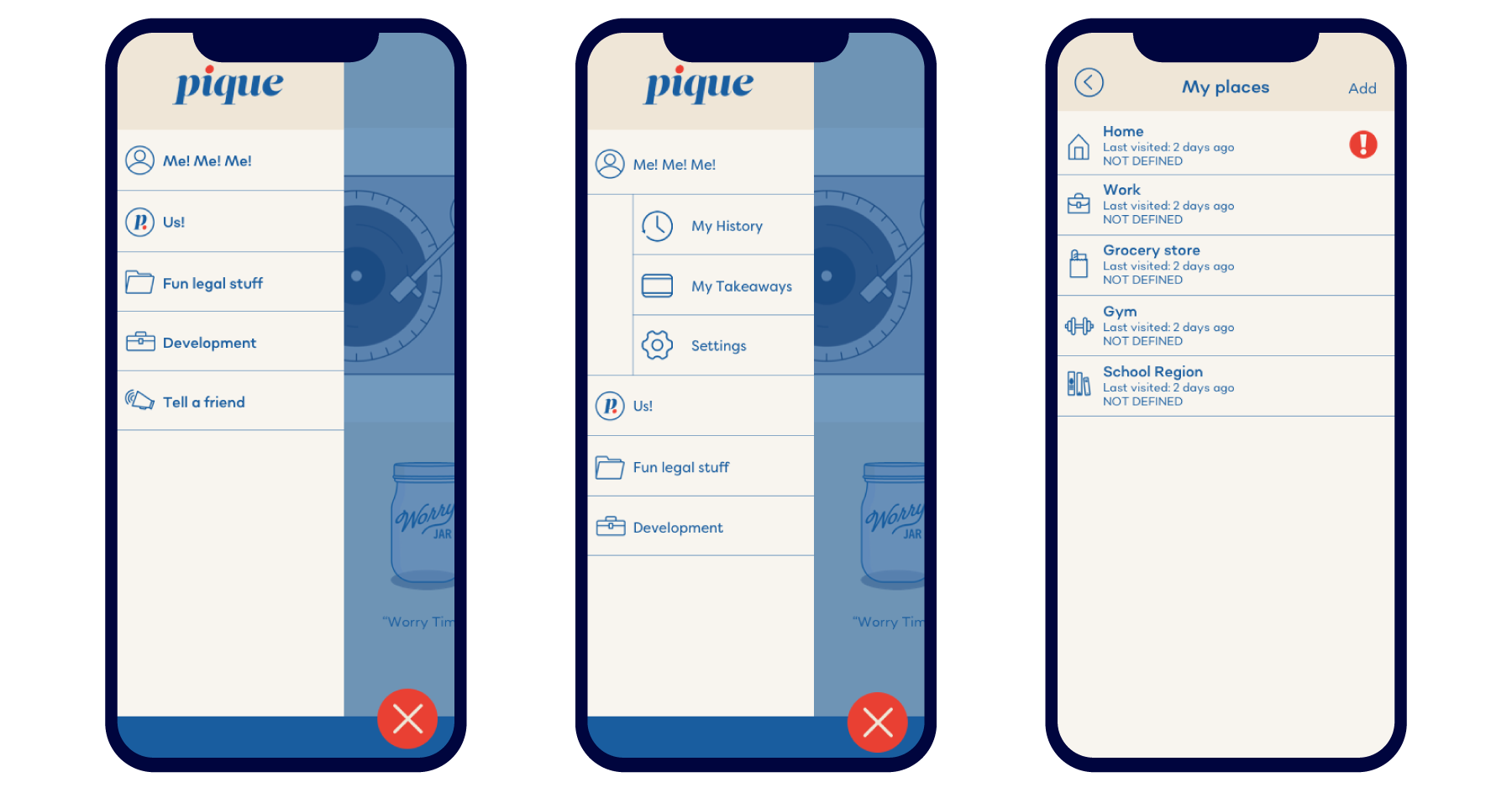
Additionally, I crafted a series of icons for both the homescreen and the menu throughout the app. I uploaded the screens to Zeplin so our dev team could access all icons for implementation.
Branding Pique: Style Guides for Moments
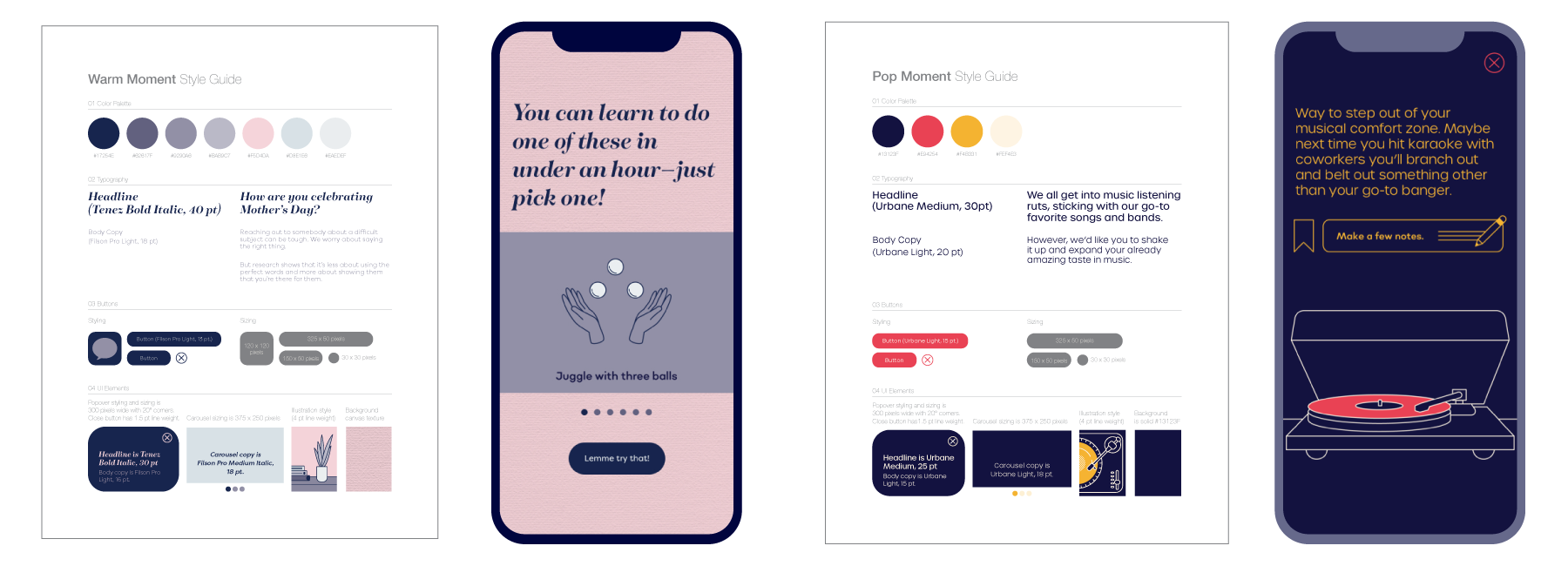
Each Moment was originally given a specific set of visuals. For example, a Moment that might deal with sensitive subject matter would get a softer, warmer color palette and typographic treatment. Another Moment, with a lighter tone, would get punchier colors and a fresh set of type choices.
User Testing: Onboarding
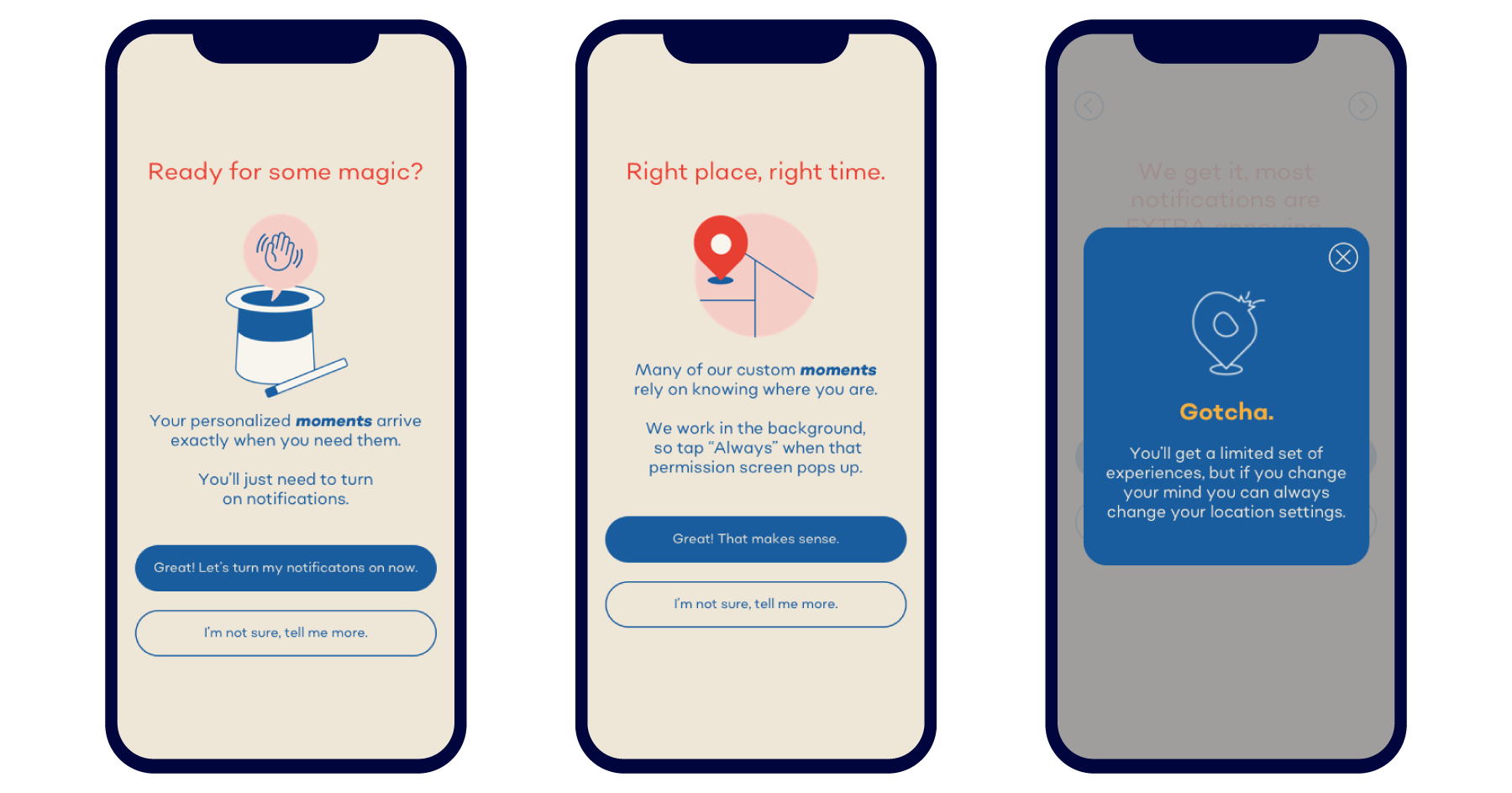
Initially, the onboarding process started with creating an account. However, after testing with users, we discovered that a few screens providing a quick overview of Pique would clarify what Pique would do for them. In the first beta version of the app, we asked users to turn on both location and notification permissions (image below). However, users suggested we introduce that later and let them experience the app's value first, so they could build trust before we request permission to ping and keep tabs on their location.
User Testing: Homescreen
While the initial homescreen featured an interactive bouncing ball, the users we tested were confused and wanted to explore Pique and what it could do for them. Below are wireframes for options for a new homescreen with content to explore, as well as an option for how a collection of moments, called a Journey, could be presented.

Pen and paper: Before creating even wireframes, I sketched possible screen layouts and flows, as well as spot illustrations.
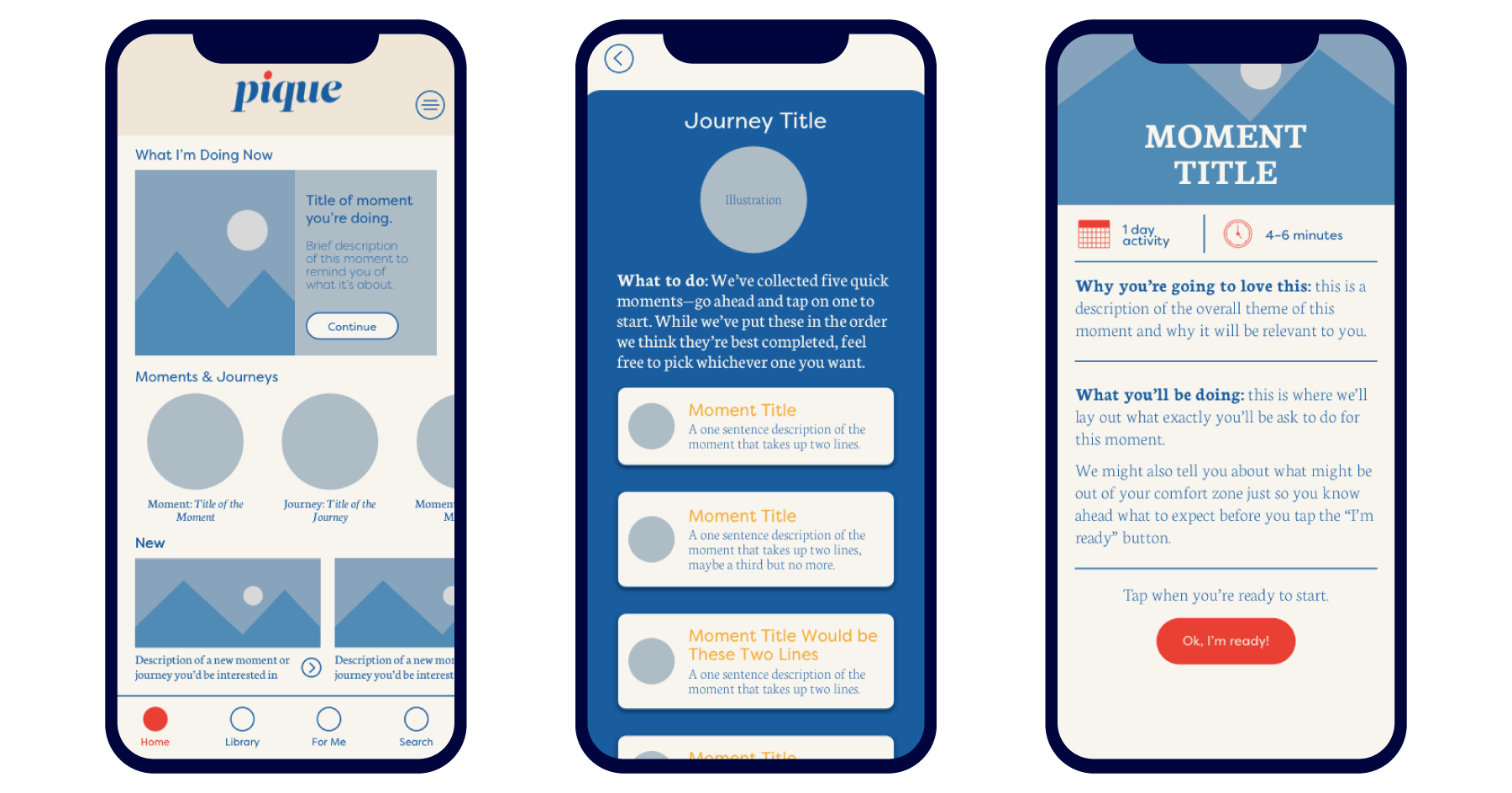
Homescreen and initial screens: Wireframe options for homescreen, plus Journey and Moment screens
Moment: Mother's Day
One way to keep content fresh was to create Moments that took users in a different direction than they might have anticipated. Our Mother’s Day Moment did just that. At first, we asked what users were doing for Mother’s Day (screen 1), then steered the conversation toward thinking of someone they know who has lost a mother or has a strained relationship with their mother. Through customized buttons, users could directly text or call within the Moment (screen 2) and then, as with all Moments, take notes and bookmark the Moment they just completed (screen 3).
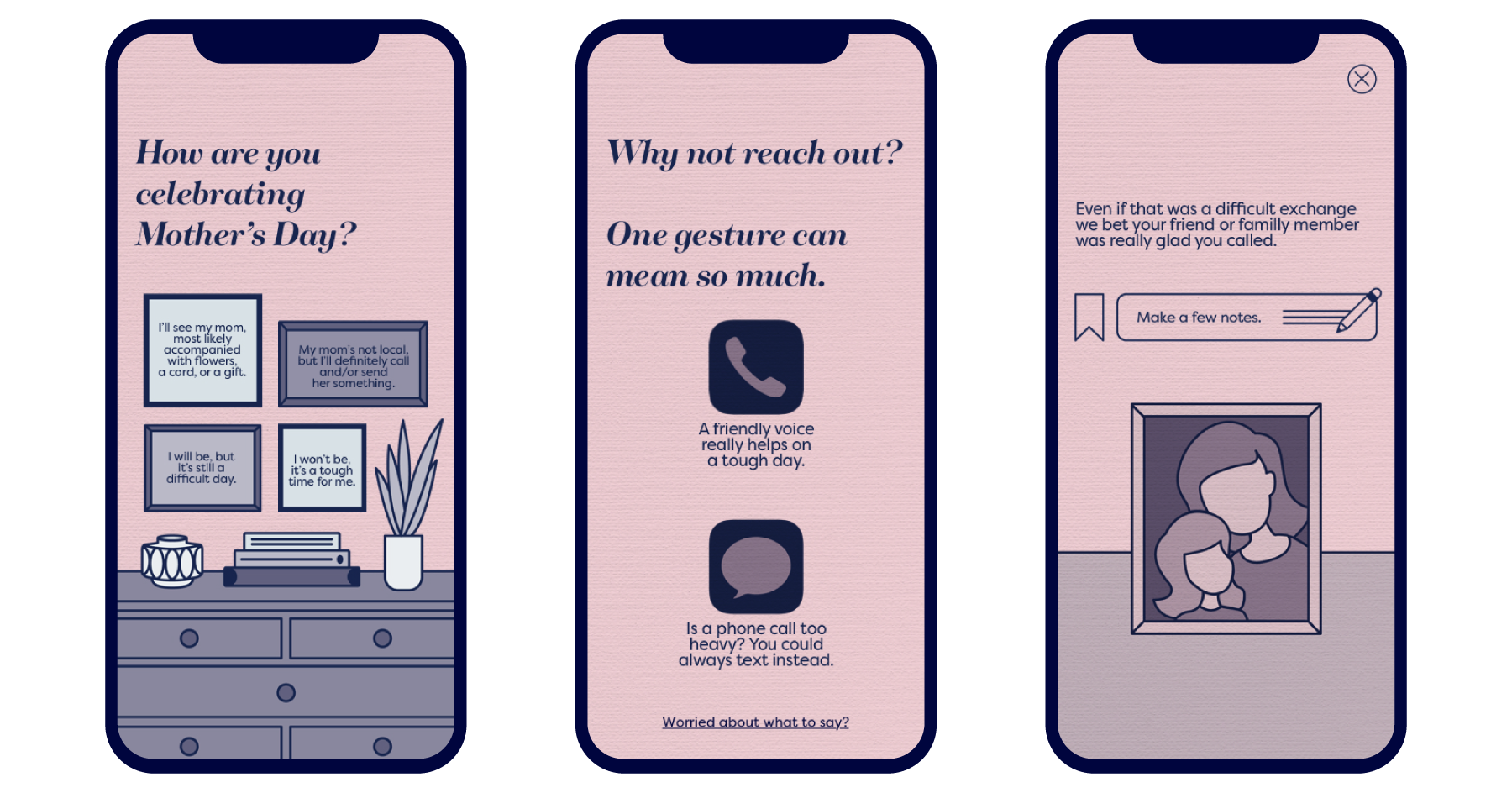
Prototyping with InVision: I was able to test with and then ideate new solutions before our beta release.